
Workflow Steps for the surgical workflow for GuidedSMILE Digital
| Step | Instructions | Image |
| 1. |
Perform the pinning technique for CombiGuide to set the Fixation Base in place. In this protocol, the Fixation Base is the immobile fiducial marker that will serve as a reference in the digital scans. |
|
| 2. |
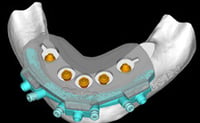
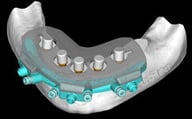
Continue the CombiGuide surgical protocol to reduce bone, place implants, and seat multi-unit abutments. Engage the Scan Guide onto the Fixation Base. |
 |
| 3. |
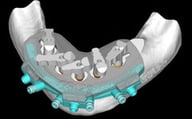
Place one ArchBridgeTM scan body on each MUA. Hand tighten. Rotate until they are almost touching. This will help data capture. |
 |
| 4. |
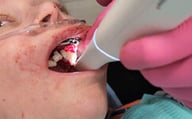
Capture an IOS scan of the ArchBridgeTM scan bodies seated on the multi-unit abutments, including the facial of the Fixation Base and surrounding surfaces. Tip: Leave the Scan Guide seated on the Fixation Base during the IOS scan. The Scan Guide will block the blood and tissue below, improving the quality of the scan data. |
 |
| 5. |
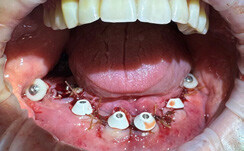
Optional: Remove the scan bodies and seat healing collars onto the multi-unit abutments. Capture an IOS scan of the healing collars, tissue, and Fixation Base. |
|
| 6. |
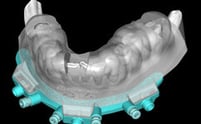
Remove the CombiGuide, suture, and take optional sutured tissue scan. |
|
Additional Resources
For more information concerning Grammetry ArchBridge Solutions:
- Full Arch Solutions Page
- Download Your Free Grammetry ArchBridge Guide Now
- More Grammetry ArchBridge Workflow's
Contact Information
For help with Grammetry ArchBridge Solution's for your next case, contact ROE Dental Laboratory:
- Phone: (216) 663-2233
- Email: info@roedentallab.com